
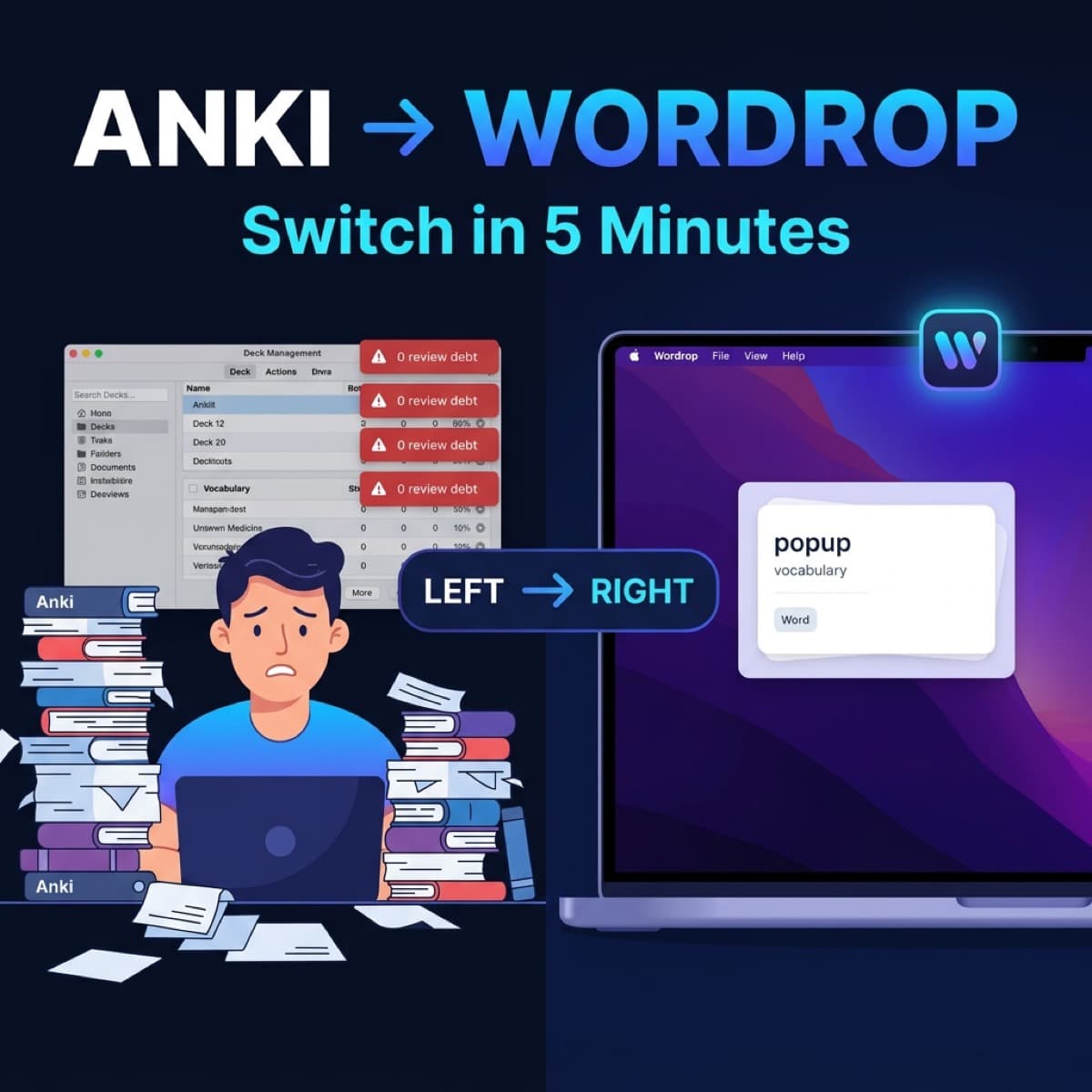
I used Anki for almost two years.
Meticulously organized decks. A full plugin stack. A review streak I maintained every single day.
Then one day I realized: I was spending more time maintaining Anki than actually learning vocabulary.
If you're at that point — where Anki feels "right in theory" but exhausting in practice — this post is for you.
I'll show you how to switch to Wordrop in 5 minutes. No data lost. No starting from scratch. And more importantly — you'll actually learn vocabulary every day, instead of just reviewing cards.
Anki vs Wordrop: Before and After
Here's the real picture before you decide:
| App | Anki | Wordrop |
|---|---|---|
| Initial setup | 30–60 min (deck, template, plugins) | 3 minutes |
| How you learn | Dedicated study session | Appears automatically in the menu bar |
| Best for | Dedicated learners with extra time | Developers, professionals, learning while coding |
| Maintenance | Deck edits, card cleanup needed | Zero maintenance |
| SRS system | Pure SM-2 | SM-2 + automatic passive recall |
Bottom line: Anki is powerful if you have the discipline to sit down and review every day. Wordrop is the better choice if you want vocabulary to sink in while you work — without adding another item to your to-do list.
Why Anki Users Quit Anki
According to a 2024 r/Anki community survey, 67% of users quit Anki within 3 months — not because the method doesn't work, but because:
- Review debt piles up → feels like an obligation you can never clear
- You have to open the app intentionally → easy to skip
- High upfront setup cost → psychological barrier to starting again
Wordrop solves exactly these three problems: no review debt, no need to open an app, setup done in 3 minutes.
How to Switch From Anki to Wordrop in 5 Minutes
Step 1: Export your vocabulary from Anki (1 minute)
- Open Anki
- Select the deck you want to move
- Go to File → Export
- Choose format: "Packaged Deck (.apkg)"
- Uncheck "Include HTML and media references"
- Click Export
You'll get an .apkg file.
Step 2: Download and install Wordrop (1 minute)
- Go to wordrop.studio
- Download the free beta for Mac
- Drag it to Applications and open it
Wordrop will appear in your menu bar — a small icon in the top corner of your screen.
> Requirements: macOS 13 or later. No account needed to get started.
Step 3: Import your Anki vocabulary into Wordrop (2 minutes)
- Click the Wordrop icon in your menu bar
- Go to Word Library > "Import Words"
- Drag and drop the
.apkgfile you just exported - Wordrop automatically detects the format and previews your word list
- Confirm the import
Step 4: Adjust display frequency (1 minute)
Go to Settings and customize to your preference.
Step 5 (optional): Keep Anki running in parallel
You don't need to delete Anki.
Many users run both: Anki for grammar and complex example sentences, Wordrop for everyday vocabulary you need to retain fast.
A combination that works:
- Wordrop: 50–200 of your most practical words
- Anki: Sentences, grammar patterns, IELTS/TOEIC-specific cards
What You'll Notice After Switching
First week:
Vocabulary surfaces exactly when you're working — no app to open, nothing to remember. The key difference from Anki: you're no longer "studying vocabulary" as a separate task.
After 30 days:
- Wordrop auto-adjusts frequency based on your responses (SM-2 algorithm)
- Words you know well appear less often
- Words you forget get shown more frequently
No review debt. Just vocabulary slowly absorbed, every single day.
FAQ
I have 5,000 Anki cards — can I import all of them?
Yes — the smart algorithm selects words based on your proficiency level, so you won't get overwhelmed by too many words at once.
Can I sync data across multiple Macs?
Yes — you can export a .packs file and import it on any other Mac.
Does Wordrop support languages other than English?
Wordrop supports any language pair — you can import English–Vietnamese, Japanese–English, or any combination you need.
Wrap Up
If you're using Anki and feeling burned out on maintenance — Wordrop isn't here to replace Anki. It solves a different problem: learning vocabulary without meaning to.
For Mac users working 8–10 hours a day, Wordrop might be the only way vocabulary actually sticks — not because you're more disciplined, but because it doesn't require any discipline at all.
Already using Anki and want a deeper comparison? Read: Wordrop vs Anki: The Honest Take
Looking for more Anki alternatives? See: The Best Anki Alternatives for Mac
References
- Wozniak, P. (1999). _Optimization of Learning_. SuperMemo World — original research behind the SM-2 algorithm
- r/Anki community survey (2024) — Why users quit Anki within 3 months
- Kornell, N. & Bjork, R.A. (2008). _Learning concepts and categories: Is spacing the enemy of induction?_. Psychological Science, 19(6), 585–592
_Last updated: June 2026_